Every time I have to put ESX(i) hosts into maintenance only by means of command line I have some kind of blackout which ends in "googleing" for proper syntax.
It is high time to finally remember how to put ESX(i) host into maintenance mode from command line:
For ESX Host:
vmware-vim-cmd hostsvc/maintenance_mode_enter
vmware-vim-cmd hostsvc/hostsummary | grep inMaintenance
vmware-vim-cmd hostsvc/maintenance_mode_exit
For ESXi Host:
vim-cmd hostsvc/maintenance_mode_enter
vim-cmd hostsvc/hostsummary | grep inMaintenance
vim-cmd hostsvc/maintenance_mode_exit
Hope putting it down will help at least for some time...:)
poniedziałek, 1 sierpnia 2011

wtorek, 12 lipca 2011
Windows Server Core - check for installed roles and features
There are two simple methods:
- oclist.exe |find "Installed" |find /v "Not Installed"

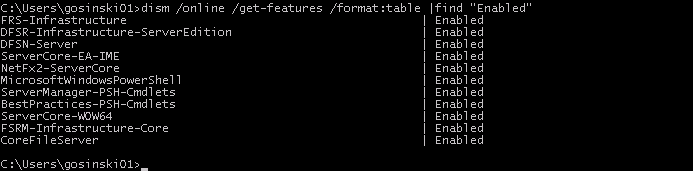
And if you have the W2K8R2 version you can use dism.exe command:
- dism.exe /online /get-features /format:table |find "Enabled"
HP Firmware sources
I usually spent a lot of time to check if there is any new firmware for HP Blade Systems family.
To simplify my further searches below you will find links to all necessary firmwares and tools.
Remember to look at Revision History and check if there is any new version available:
OnBoard Administrator
Firmware DVD
Virtual Connect
VC Support Utility
iLO3
iLO2
Hopefully HP won't change sources...:)
And they did... Links updated...
To simplify my further searches below you will find links to all necessary firmwares and tools.
Remember to look at Revision History and check if there is any new version available:
OnBoard Administrator
Firmware DVD
Virtual Connect
VC Support Utility
iLO3
iLO2
Hopefully HP won't change sources...:)
And they did... Links updated...
sobota, 4 czerwca 2011
środa, 1 czerwca 2011
ESX and HP Virtual Connect references
I found some decent articles about ESX and Virtual Connect compatibility and configuration.
I strongly recommend reading those articles to everyone who have to setup new environment or is facing issues with existing configuration.
General HP Flex and VMWare ESX prerequisites -> side note: Firmware DVD 9.30 have already been released
HP Flex Design Part 1
HP Flex Design Part 2
HP and Cisco Interoperability
Amazing stuff...:)
I strongly recommend reading those articles to everyone who have to setup new environment or is facing issues with existing configuration.
General HP Flex and VMWare ESX prerequisites -> side note: Firmware DVD 9.30 have already been released
HP Flex Design Part 1
HP Flex Design Part 2
HP and Cisco Interoperability
Amazing stuff...:)
piątek, 13 maja 2011
YouTube, a ZOO
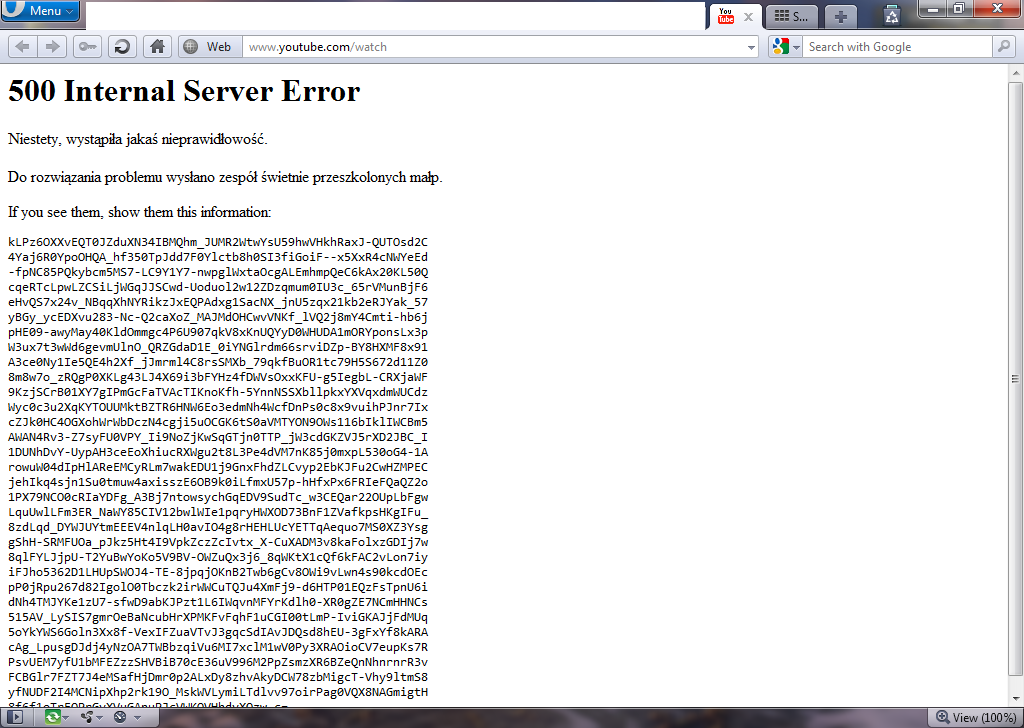
Miałem obejrzeć jakąś nudną zapowiedź, a tu YouTube poprawił mi humor na cały dzień...
A w weekend idziemy do zoo... :)
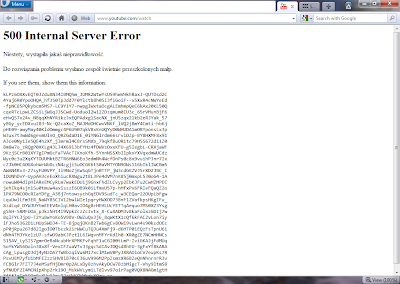
A w weekend idziemy do zoo... :)
środa, 16 marca 2011
PowerShell - protect all OUs from accidental deletion
I recently had to run the BPA (Best Practices Analyzer) for the AD Directory Services – and to be honest that was for the first time…:) As a result I received the following message: „All OU's in this domain should be protected from accidental deletion".
And as we all want to follow the best practices I decided that something needs to be improved... :) I estimated manual clicking time on the containers for 2 or 3 hours so the PowerShell came with help.
A little reading on the TechNet sites and a few commands saved a lot of time.
Here's what to do:
- Launch PowerShell and then type:
- Get-Module ActiveDirectory
- Get-ADOrganizationalUnit -filter * | Set-ADOrganizationalUnit -ProtectedFromAccidentalDeletion $true
And that's all… :) Now you are protected… :)
Following best practices is easy, isn't it...??
Following best practices is easy, isn't it...??
Subskrybuj:
Posty (Atom)